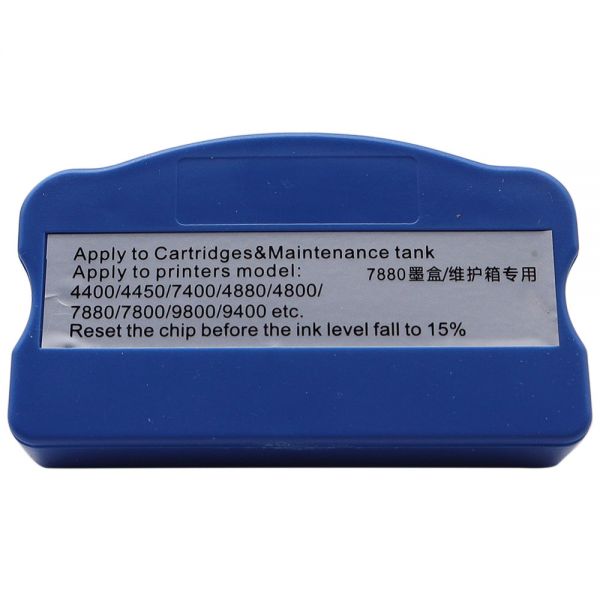
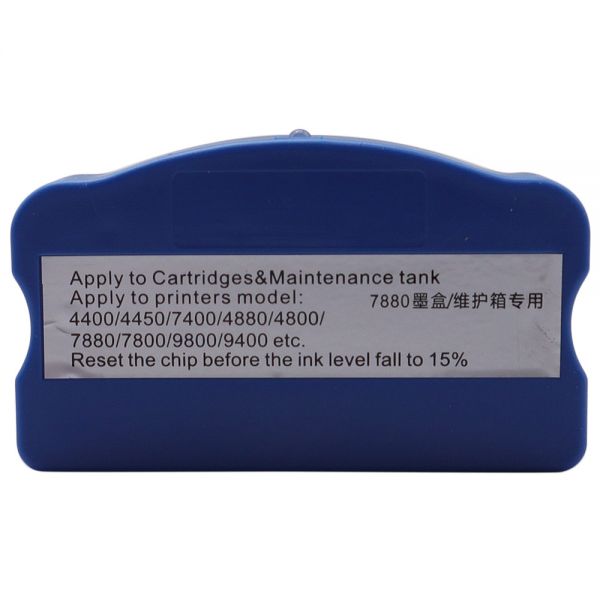
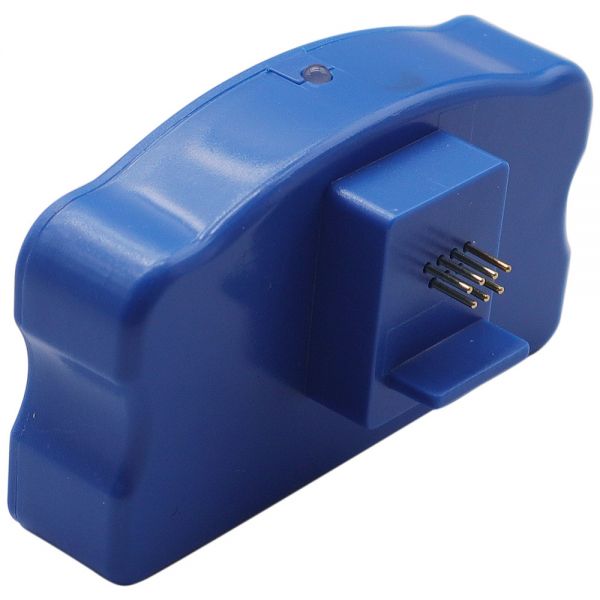
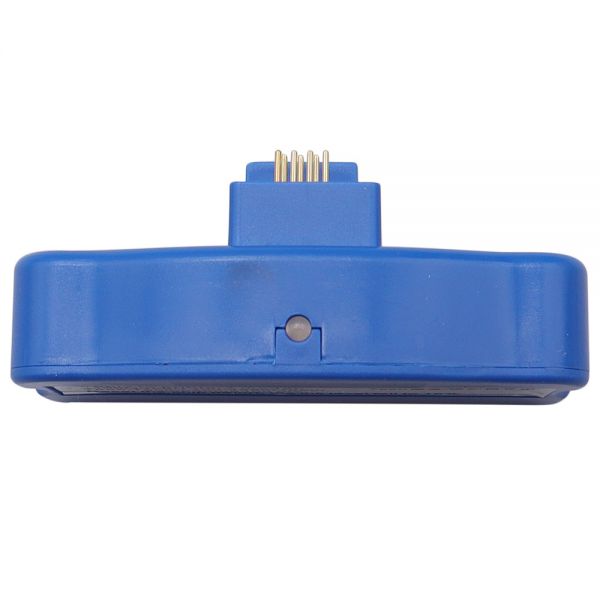
Attention Please: Reset the chip before the ink level falling to 15%. It won't work when the ink used out!
Generic Chip Resetter for Epson Stylus Pro 7600 / 4880 / 7880 / 9880 Ink Cartridge
Printer Compatibility: Epson Stylus Pro7600 / 9600 / 4000 / 4400 / 4800 / 4880 / 4450 / 7400 / 7450 / 7800 / 7880 / 9800 / 9880 / 9400 / 9450 / 4880C / 7880C / 9880C /10600
Gross Weight: 32g
Manufacturer: Ving parts
Feature:
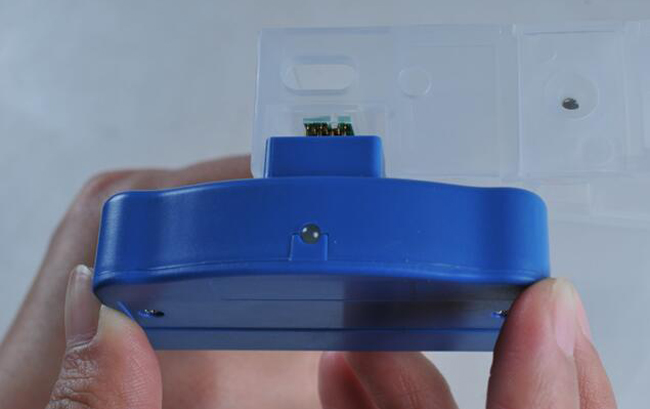
1. Our Chip Resetter can reset & refill both original cartridge chip and compatible chip. You would use refill ink manufactured by third party, saving printing cost greatly.
2. It will automatically identify the cartridge model and detect the chip on the cartridge if it is in a good state or not, then reset the chip on the cartridge into a full modes (both old and new types).

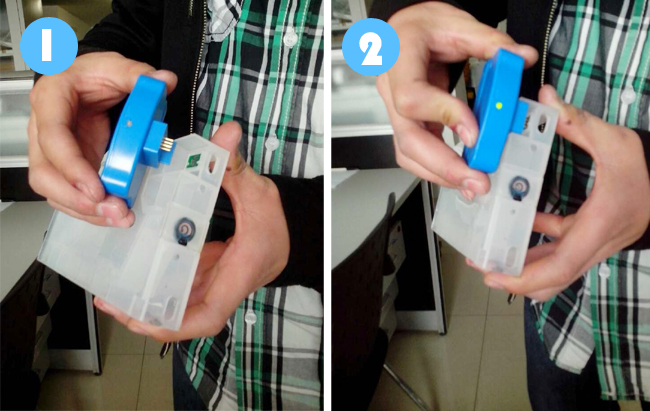
1. Reset the chip before the ink level fall to 15%.
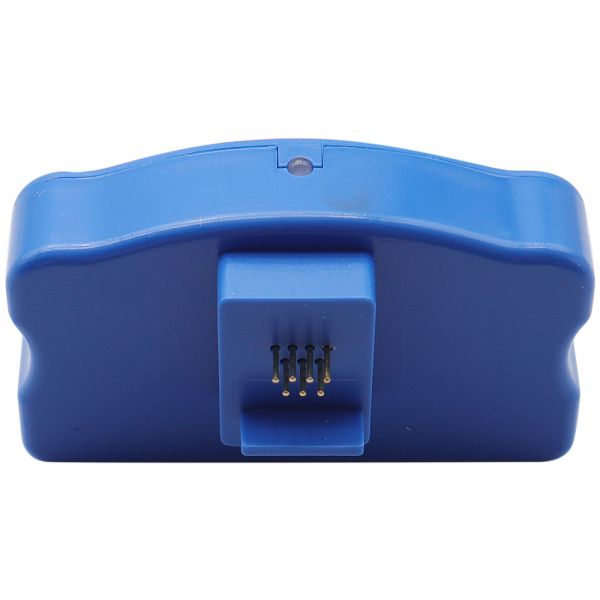
2. Fit the chip to the groove of chip resetter, and enable the probe of chip resetter contacts the contactor of the chips.
3. Press the 2 components together. If the red light gleams, it means the connection is fine.
4. Five seconds later, the red light turns to green, and it indicates the chip data has been refreshed.
Troubleshooting:
a) After the red LED flashing, it stays on and does not turn green.
1. The pins on the Resetter are not in good contact with the chip on the cartridge. The contact may be dirty or oily.
2. If the ink cartridge is not an original Epson brand ink cartridge, the chip may be not compatible with the Resetter.
4.If it doesn't work, it could be the lack of electricity, it's better to change a battery.
b) The printing effect is not good.
1. The quality of the ink you are using may be inferior. We recommend using inks that are specifically matched to Epson original colors and other characteristics. (Especially if you are printing digital photographs.)